How to Make a Personal Budget Spreadsheet You’ll Use
Most budget spreadsheets die the same stupid death: they become a museum of good intentions.
Tab 1 says “January Plan.” Tab 2 says “January Actual.” Tab 3 says “Budget FINAL.” Tab 4 says “Budget FINAL v2 use this one.” By March, the whole file has the emotional energy of a treadmill covered in laundry.
Here’s the uncomfortable truth: people do not fail at budgeting because they lack discipline. They fail because their system asks them to do unpaid accounting cosplay after a full day of work.
And the stakes are not cute. CNBC reported that 60% of Americans were living paycheck to paycheck. That is not a latte problem. That is a visibility problem, a cash-flow timing problem, and sometimes a “why am I paying for three streaming services and a meditation app I open only when I’m stressed about money” problem.
So if you want to learn how to make a personal budget spreadsheet you’ll actually use, forget building a financial Death Star. You need a simple operating system for your money: fast to update, hard to misunderstand, and honest enough to tell you when your “quick Target run” became a minor corporate acquisition.
A budget you use beats a perfect budget you abandon.
Your budget spreadsheet has one job: help you decide
A personal budget spreadsheet is not supposed to be a shrine to color-coded complexity. It should answer four questions quickly:
| Question | Spreadsheet answer | Why it matters |
|---|---|---|
| What came in? | Actual income | You cannot budget vibes. You budget cash. |
| What is already spoken for? | Fixed bills, debt payments, planned savings | This is the money that left the chat before you did. |
| What can I safely spend? | Safe-to-spend number | This prevents “I had money yesterday” syndrome. |
| Am I getting freer? | Savings rate, debt progress, net worth trend | This connects today’s choices to future options. |
That last one matters. A budget that only says “you overspent on restaurants” is just a judgmental spreadsheet. A useful budget says, “If you redirect $250 a month from zombie subscriptions and convenience spending, your savings rate jumps and your future self stops side-eyeing you.”
The spreadsheet is not the goal. Better decisions are the goal.
Build five tabs, not a financial escape room
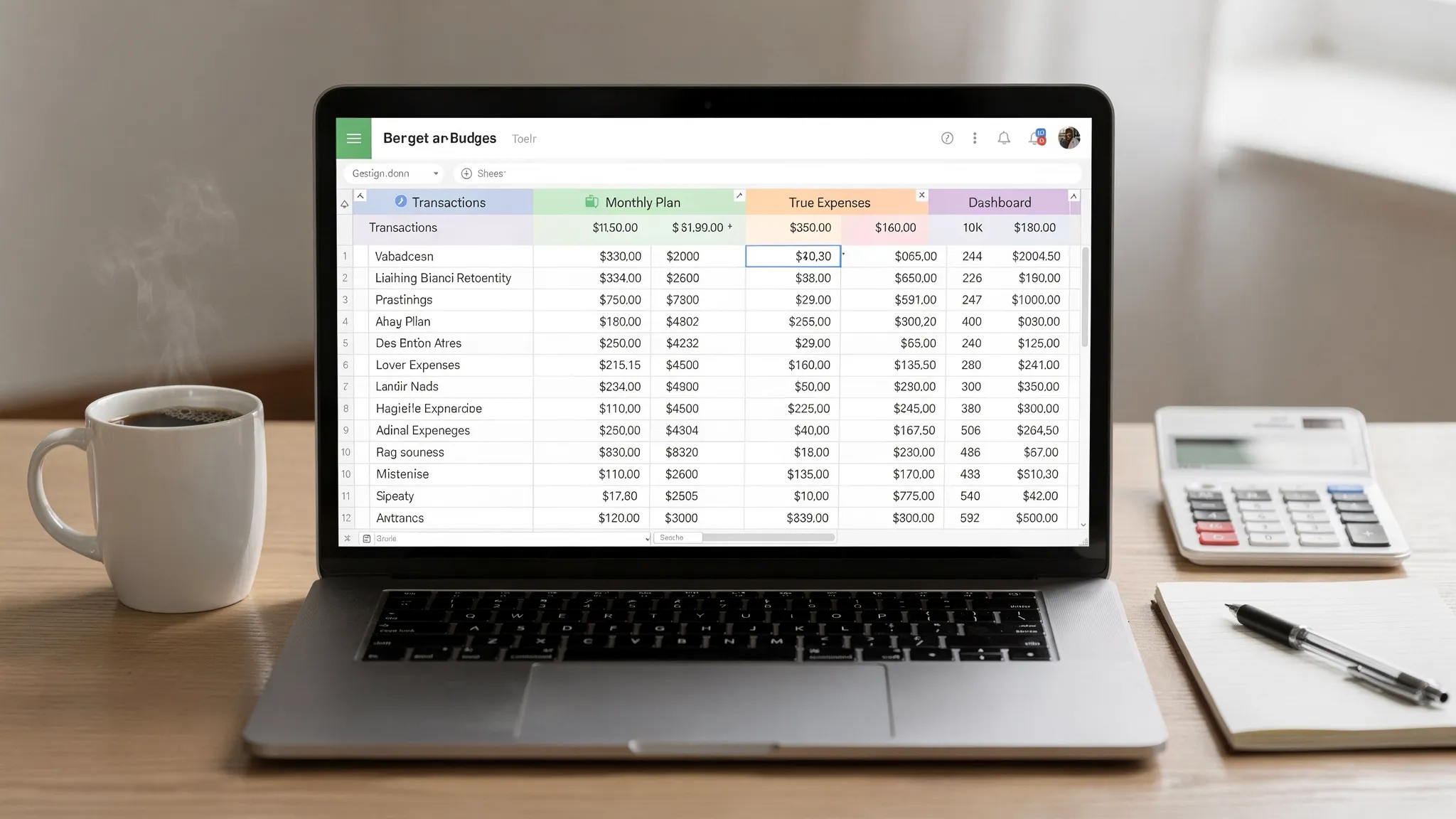
Start with five tabs. Not twelve. Not a workbook that requires a finance degree and a support group.
| Tab | Purpose | Update frequency |
|---|---|---|
| Start Here | Rules, category list, monthly dates | Once, then rarely |
| Transactions | Every income, expense, and transfer | Weekly |
| Monthly Plan | Planned vs actual spending | Weekly |
| True Expenses | Irregular bills converted into monthly amounts | Monthly |
| Dashboard | Key numbers and progress | Weekly or monthly |
This structure works because it separates inputs from decisions. Transactions are raw facts. The monthly plan turns facts into limits. The dashboard turns limits into momentum.
Chaos goes in the Transactions tab. Clarity comes out of the Dashboard.
Step 1: Set the rules before you touch the formulas
Most people open a blank spreadsheet and immediately start typing categories like “Groceries,” “Shopping,” and “Miscellaneous,” which is how budgets go to die quietly in a Google Drive folder.
Before you build anything, write these rules in your Start Here tab:
- Use a monthly budget period, even if you get paid weekly or biweekly.
- Use after-tax income, because gross income is a fantasy number your employer tells you before taxes punch it in the face.
- Record income and expenses as positive numbers, then use a Type column for Income, Expense, or Transfer.
- Treat credit card purchases as expenses and credit card payments as transfers.
- Do not count transfers between your own accounts as spending.
- Review the spreadsheet once per week for 15 minutes.
- Use 8 to 14 main spending categories, not 47 micro-categories for every emotional state.
That credit card rule is huge. If you count the purchase when it happens and then count the card payment again, your budget will look like you funded a small war. Purchases are expenses. Payments are transfers. Tattoo that on the inside of your budgeting brain.
A budget without rules is just a spreadsheet with opinions.
Step 2: Create categories that expose behavior
Your categories should help you make decisions. “Shopping” is not a decision. It is a junk drawer with a debit card.
A better category system separates fixed obligations, flexible spending, future expenses, and wealth-building. Keep it boring. Boring is underrated. Boring is how people retire early while everyone else is arguing about credit card points on the internet.
| Category group | Example categories | What decision it supports |
|---|---|---|
| Income | Paycheck, freelance income, bonus, reimbursement | How much money actually arrived |
| Fixed essentials | Rent or mortgage, utilities, insurance, phone | What must be paid first |
| Variable essentials | Groceries, gas, medical, household | Where caps need to flex |
| Lifestyle | Restaurants, entertainment, shopping, travel | Where tradeoffs happen |
| Subscriptions | Streaming, software, memberships | What recurring charges deserve to live |
| True expenses | Car repairs, gifts, annual fees, holidays | What future bills need monthly funding |
| Debt | Minimum payments, extra debt payoff | How fast liabilities shrink |
| Savings and investing | Emergency fund, brokerage, retirement, goals | How future-you gets paid |
| Transfers | Credit card payments, account moves | What should not count as spending |
If you want cleaner data, add labels. Categories answer “what type of spending was this?” Labels answer “what was the context?”
For example, a $92 restaurant charge might be categorized as Restaurants and labeled “New York Trip 2026.” Later, you can see the full cost of the trip without creating a messy one-off category you will never use again.
This is the difference between data and insight. If your categories feel too generic, read FIYR’s guide to custom categories for spending before you build the whole thing on a wobbly foundation.
Categories should make your money confess.
Step 3: Build the Transactions tab
The Transactions tab is your source of truth. Every formula downstream depends on this tab being clean, consistent, and boring enough to survive real life.
Use these columns:
| Column | Example | Notes |
|---|---|---|
| Date | 2026-05-01 | Use one consistent date format |
| Account | Checking | Helpful if you track multiple accounts |
| Payee | Trader Joe’s | Keep merchant names readable |
| Category | Groceries | Use dropdowns to avoid typos |
| Type | Expense | Income, Expense, or Transfer |
| Amount | 84.27 | Use positive numbers for everything |
| Label | Family Visit | Optional context tag |
| Reviewed | Yes | Keeps your weekly cleanup fast |
| Notes | Reimbursable | Use sparingly, not as a diary |
If you use Google Sheets or Excel, turn your category and type columns into dropdowns. This prevents tiny errors like “Groceries,” “Grocery,” and “groceries” from becoming three separate realities. Your spreadsheet should not have a multiverse.
You can enter transactions manually, paste them from bank exports, or import CSVs. Manual entry creates awareness, but it also creates friction. Weekly CSV imports are often the sweet spot for spreadsheet people: enough automation to avoid drudgery, enough manual review to stay conscious.
The goal is not to record every transaction perfectly forever. The goal is to make bad spending patterns impossible to miss.
Step 4: Build the Monthly Plan tab
Your Monthly Plan tab compares what you expected to happen with what actually happened. This is where budgeting stops being theory and starts being mildly annoying, which is another word for useful.
At the top of the tab, add:
| Cell | Label | Example |
|---|---|---|
| B1 | Start date | 2026-05-01 |
| C1 | End date | 2026-05-31 |
Then create columns like this:
| Category | Planned | Actual | Difference | Status |
|---|---|---|---|---|
| Groceries | 650 | Formula | Formula | Formula |
| Restaurants | 300 | Formula | Formula | Formula |
| Subscriptions | 85 | Formula | Formula | Formula |
| Emergency fund | 400 | Formula | Formula | Formula |
For the Actual column, use a SUMIFS formula that pulls from your Transactions tab. If your category is in cell A2 and your dates are in B1 and C1, the formula can look like this:
```text
=SUMIFS(Transactions!$F:$F, Transactions!$D:$D, $A2, Transactions!$E:$E, "Expense", Transactions!$A:$A, ">="&$B$1, Transactions!$A:$A, "<="&$C$1)
```
For Difference, use:
```text
=B2-C2
```
For Status, use:
```text
=IF(D2>=0,"On track","Over")
```
For income, use a separate income section. This keeps expense formulas clean and prevents your budget from becoming a math goblin.
```text
=SUMIFS(Transactions!$F:$F, Transactions!$E:$E, "Income", Transactions!$A:$A, ">="&$B$1, Transactions!$A:$A, "<="&$C$1)
```
Do not manually type actual spending into the Monthly Plan tab. That is spreadsheet self-sabotage. Actuals should flow from transactions. Your job is to review, not re-enter your life like a medieval scribe.
If the spreadsheet requires heroics, it will not survive Tuesday.
Step 5: Add the safe-to-spend number
Category budgets are helpful. Safe-to-spend is better.
Why? Because humans do not stand in a grocery aisle thinking, “How does this purchase impact my total monthly variance against planned discretionary spend?” Humans think, “Can I buy this and not regret my life choices next week?”
Use this formula:
```text
Safe-to-spend = cash available + confirmed income before next review - unpaid bills - planned savings - true expense set-asides - buffer
```
Here is a simple setup you can add to your Dashboard tab:
| Item | Amount |
|---|---|
| Current checking balance | 3,200 |
| Confirmed income before next review | 1,850 |
| Unpaid bills before next review | -2,100 |
| Planned savings transfers | -500 |
| True expense set-asides | -300 |
| Buffer | -250 |
| Safe-to-spend | 1,900 |
The buffer is not optional. The buffer is where reality lives. Copays, parking tickets, birthday gifts, school fees, surprise pet expenses, the random $18 thing you forgot you ordered from Amazon while watching Netflix like a raccoon with Wi-Fi.
A safe-to-spend number gives your budget a speedometer. Without it, you are driving by vibes.
Step 6: Add true expenses before they ambush you
True expenses are predictable but irregular costs. They do not happen every month, so people pretend they do not exist. Then December arrives with gifts, travel, insurance renewals, and the financial energy of a folding chair to the face.
Add a True Expenses tab with this structure:
| Expense | Due month | Estimated cost | Monthly set-aside | Saved so far |
|---|---|---|---|---|
| Car insurance | September | 900 | 75 | 300 |
| Holiday gifts | December | 1,200 | 100 | 500 |
| Car maintenance | Ongoing | 1,000 | 83 | 250 |
| Annual software | March | 240 | 20 | 80 |
Use this simple formula:
```text
Monthly set-aside = estimated annual cost / 12
```
For expenses due sooner, divide by the number of months left before the bill hits. If your $900 insurance bill is due in three months, the monthly set-aside is not $75. It is $300. Math is rude, but useful.
This is where most budgets become honest. If your monthly plan only includes regular bills and ignores irregular expenses, you do not have a budget. You have a monthly fairy tale.
For a deeper setup, use FIYR’s sinking funds guide to turn surprise bills into boring monthly line items.
The best bill is the one that arrives and finds the money already waiting.
Step 7: Keep the dashboard brutally simple
Do not build a dashboard with 19 charts, three pie graphs, and a motivational quote from a billionaire who has never compared generic cereal prices.
Track five numbers:
| Metric | Formula | Why it matters |
|---|---|---|
| Actual income | Sum of income transactions | Shows your real cash inflow |
| Total spending | Sum of expense transactions | Shows your burn rate |
| Net cash flow | Income minus spending | Shows whether the month worked |
| Savings rate | Savings and investments divided by income | Shows wealth-building speed |
| Subscription total | Sum of subscription category | Shows recurring lifestyle creep |
Savings rate is especially powerful if you care about financial independence. It tells you what percentage of your income is buying freedom instead of funding yesterday’s impulses.
A simple savings rate formula:
```text
Savings rate = (savings + investments + extra debt payoff) / after-tax income
```
If you are pursuing FIRE, this metric is the main character. A higher savings rate usually matters more than obsessing over tiny investment tweaks. You can go deeper with FIYR’s savings rate calculator guide.
Charts are optional. Momentum is not.
Step 8: Install a weekly ritual or watch the spreadsheet rot
The best spreadsheet in the world is useless if you only open it after financial damage has already occurred. That is not budgeting. That is crime scene analysis.
Set a 15-minute weekly money review. Same day, same time, preferably before your brain has been turned into soup by Sunday night dread.
Your weekly routine:
- Add or import new transactions.
- Categorize anything marked Needs Review.
- Mark reviewed transactions as Yes.
- Check categories that are close to going over.
- Update safe-to-spend.
- Move money to savings, debt payoff, or true expense funds.
- Write one sentence about the week: “Restaurants ran hot because of two work lunches.”
That one sentence matters. It turns numbers into behavior. Over time, you will spot patterns: stress spending, convenience spending, social spending, boredom spending, “I deserve this” spending, and the elite category known as “I was hungry at Costco.”
Your weekly review is not punishment. It is a steering wheel.
The common mistakes that wreck budget spreadsheets
Budget spreadsheets rarely fail dramatically. They fail through tiny design flaws that make them annoying, inaccurate, or guilt-inducing.
| Mistake | Why it breaks the budget | Fix |
|---|---|---|
| Too many categories | Creates decision fatigue | Use 8 to 14 main categories |
| A giant Misc category | Hides behavior | Rename it Needs Review and clear it weekly |
| Counting credit card payments as expenses | Double-counts spending | Treat payments as transfers |
| Ignoring annual expenses | Creates fake surplus | Use true expense set-asides |
| Budgeting ideal numbers | Makes you feel like a failure | Start with your last 60 to 90 days of real spending |
| No subscription category | Lets recurring charges multiply | Track subscriptions separately |
| No weekly review | Turns budget into history | Schedule a 15-minute recurring check-in |
| Manual actuals | Creates errors and boredom | Use formulas from Transactions |
| No labels | Loses context | Use labels for trips, projects, kids, business, or events |
| Perfectionism | Leads to abandonment | Aim for useful, not flawless |
The most dangerous mistake is budgeting for your imaginary best self. Your imaginary best self meal preps, cancels trials on time, never panic-orders dinner, and remembers every annual fee. Lovely person. Total fraud.
Budget for the person who actually exists. That is how the person improves.
Spreadsheet or budgeting app: when to upgrade
A spreadsheet is fantastic for learning the mechanics of money. It forces you to understand categories, cash flow, savings rate, and tradeoffs. Everyone should build one at least once, the way everyone should know how to cook three decent meals before outsourcing dinner to an app forever.
But spreadsheets have a ceiling. If updating yours feels like a part-time job, the problem is not you. The problem is manual upkeep.
| Need | Spreadsheet approach | FIYR approach |
|---|---|---|
| Categorize spending | Manual dropdowns and formulas | Custom categories and automatic transaction rules |
| See recurring charges | Search transactions manually | Subscription tracking |
| Track goals | Extra tabs and manual updates | Goal tracking with safe-to-spend balance |
| Measure wealth progress | Separate net worth sheet | Net worth tracking for assets and liabilities |
| Follow FIRE progress | Manual savings rate and FI math | Savings rate calculator and FIRE date calculator |
| Understand cash flow | Monthly formulas | Income and expense tracking with charts |
This is where FIYR fits naturally. It is built for people who want the clarity of a spreadsheet without spending their Saturday cleaning transactions like a Victorian chimney sweep. You still get customization, categories, rules, subscription visibility, savings rate, net worth, and FIRE-focused planning, but with less manual spreadsheet tax.
If you love spreadsheets, keep yours. If your spreadsheet has become a guilt machine, upgrade the system.
Spreadsheets teach you the math. Automation helps you keep the habit.
A copyable personal budget spreadsheet setup
If you want the simplest possible version, build this today:
| Tab | Must-have fields |
|---|---|
| Start Here | Budget month, rules, category list, review day |
| Transactions | Date, account, payee, category, type, amount, label, reviewed |
| Monthly Plan | Category, planned, actual, difference, status |
| True Expenses | Expense, due date, estimated cost, monthly set-aside, saved so far |
| Dashboard | Income, spending, net cash flow, savings rate, safe-to-spend, subscriptions |
Your first version should take less than an hour. If it takes three weekends, you are no longer budgeting. You are building software badly.
Start ugly. Make it useful. Improve it after two weekly reviews.
That is the whole game.
Frequently Asked Questions
What is the easiest way to make a personal budget spreadsheet? Start with five tabs: Start Here, Transactions, Monthly Plan, True Expenses, and Dashboard. Keep categories simple, use formulas to pull actual spending from your Transactions tab, and review everything once per week. Should I use Excel or Google Sheets for a personal budget spreadsheet? Both work. Google Sheets is convenient if you want cloud access and easy sharing. Excel is strong if you prefer more advanced spreadsheet features. The best tool is the one you will actually open every week. How many budget categories should I have? Most people should start with 8 to 14 main spending categories. Too few categories hide useful patterns, but too many create decision fatigue. Use labels for extra context instead of creating a new category for every event. How often should I update my budget spreadsheet? Weekly is the sweet spot. Daily tracking can become annoying, and monthly tracking is often too late. A 15-minute weekly review keeps the spreadsheet accurate without turning money management into a second job. Is a spreadsheet better than a budgeting app? A spreadsheet is great for learning and customization. A budgeting app is better when manual updates become a bottleneck. Many people start with a spreadsheet, then move to an app like FIYR when they want automatic rules, subscription tracking, savings rate tracking, and FIRE projections. What should I do if my budget spreadsheet says I overspent? Do not panic and do not rage-delete the file. Find the category that broke, identify whether it was a one-time issue or a pattern, adjust the next week’s safe-to-spend, and update your plan if the original cap was unrealistic.Build the budget, then make it easier to keep
A personal budget spreadsheet does not need to be beautiful. It needs to be used.
Make it small. Make it honest. Make it weekly. Give every dollar a job, give every recurring charge a trial by combat, and give future-you a seat at the table before present-you buys another thing that ships in two days and disappoints in three.
And if you want the logic of a great spreadsheet without babysitting formulas forever, FIYR can help you track income, expenses, subscriptions, categories, savings rate, net worth, and your path toward financial independence in one place.
Your money does not need more drama. It needs a system with a pulse.