 FIYR
FIYR Simple Budgeting App: Less Work, More Control
If budgeting feels like a second job, it’s not because you’re “bad with money.” It’s because most budgeting systems were designed like tax software: technically correct, emotionally hostile.
Meanwhile, real life is out here speedrunning your checking account.
- CNBC reported that 60% of Americans were living paycheck to paycheck and 70% were stressed about money in a recent survey roundup. That’s not a “you” problem, that’s an “our entire economic vibe” problem. (CNBC)
So if you’re searching for a simple budgeting app, you’re not asking for less responsibility. You’re asking for less friction.
You want less work, more control. Like a well-run cockpit, not a spreadsheet haunted house.
The uncomfortable truth: budgets don’t fail, they get abandoned
Meet Sarah.
Sarah is responsible. She has a job, a 401(k), and a heroic relationship with email receipts. She tried budgeting apps. She tried spreadsheets. She even tried the “cash envelope” thing until she realized she doesn’t carry cash and her landlord does not accept “good intentions.”
Her budget didn’t fail because she can’t do math.
Her budget failed because it asked her to:
- Categorize 200 transactions a month like a bored accountant
- Remember every annual bill like a human calendar
- Guess how much she’ll spend on groceries in a month where life happens
The result: she stopped checking.
And the moment you stop checking, your money starts freelestyling.
The goal of a simple budgeting app is not to make you a finance monk. It’s to make your money behavior visible enough that you can actually steer it.
“Simple” doesn’t mean “basic” (it means low effort per insight)
A lot of apps confuse “simple” with “shallow.” They give you pretty charts and vague vibes, but no control.
Here’s the better definition:
A simple budgeting app reduces the time between:
- What happened? (transactions)
- What does it mean? (categories, trends, rules)
- What should I do next? (safe-to-spend, caps, goals)
Simplicity is not fewer features. It’s fewer headaches.
And then things get interesting, because control comes from a few very specific levers.
The 5 things that actually make a budgeting app “simple”
Most people don’t need 47 tabs. They need five things to work flawlessly.
| What to look for | Why it matters in real life | The “if this is missing…” consequence |
|---|---|---|
| Reliable money tracking (income + expenses) | You can’t improve what you can’t see | Your budget becomes fan fiction |
| Custom categories (and category groups) | Your life does not fit inside “Misc” | Everything ends up in “Other” (aka denial) |
| Transaction rules (automation) | Repetitive merchants should auto-file | You spend Sundays manually tagging Starbucks |
| Subscription tracking | Recurring charges are stealth taxes | You keep funding apps you forgot existed |
| A clear “safe-to-spend” signal | You need a decision number, not a lecture | You either overspend or freeze like a deer |
If your current tool doesn’t nail these, it’s not “simple.” It’s just quieter about its chaos.
Less work, more control: the 30-minute setup that changes everything
The best budgeting systems are boring. Boring is good. Boring is repeatable.
Here’s a setup that’s simple enough to maintain, but powerful enough to actually change outcomes.
Step 1: Build a budget that matches how humans live (3 buckets)
Forget hyper-detailed budgeting on Day 1. Start with a structure that can survive a random Tuesday.
Use three bucket groups:
- Fixed bills (rent, insurance, childcare, debt minimums)
- Flexible essentials (groceries, gas, utilities, household)
- Lifestyle and wants (restaurants, shopping, fun, travel)
This does two things immediately:
1) It tells you what’s truly locked in.
2) It gives you one high-leverage area to control without feeling deprived.
Your budget should be a steering wheel, not a punishment wheel.
Step 2: Add one “truth” category that saves your sanity
Create a category called:
- Stuff I Forgot to Budget For
Yes, really.
Because you will forget things. Everyone does. You’re not a broken adult, you’re just living in 2026 where your toaster has a subscription.
This category prevents the classic failure mode: blowing the entire budget because an annual bill showed up like a jump scare.
Later, you’ll split this into sinking funds. For now, it’s training wheels that keep you moving.
Step 3: Automate the obvious with transaction rules
Rules are where “simple” becomes “effortless.”
Set up basic automation for:
- Your most common merchants (groceries, gas, Amazon, Target, Uber)
- Your recurring bills (phone, internet, streaming)
- Any “always the same” transactions (gym membership, parking)
If you want to go deeper on this concept, FIYR has a solid walkthrough on why automation is the real budgeting cheat code: Automated budgeting: how rules save time.
The punchline: every transaction you don’t have to touch is a transaction you’re more likely to keep tracking.
Step 4: Pick a review rhythm you will actually do
Most budgets die from neglect, not bad math.
Pick one:
- Weekly (10 to 15 minutes): scan recent transactions, handle anything weird, check safe-to-spend
- Monthly (30 minutes): adjust caps, review subscriptions, reconcile categories, set next month’s targets
If you only do one, do weekly. Weekly keeps you honest. Monthly keeps you aspirational.
A budget you check beats a perfect budget you ghost.
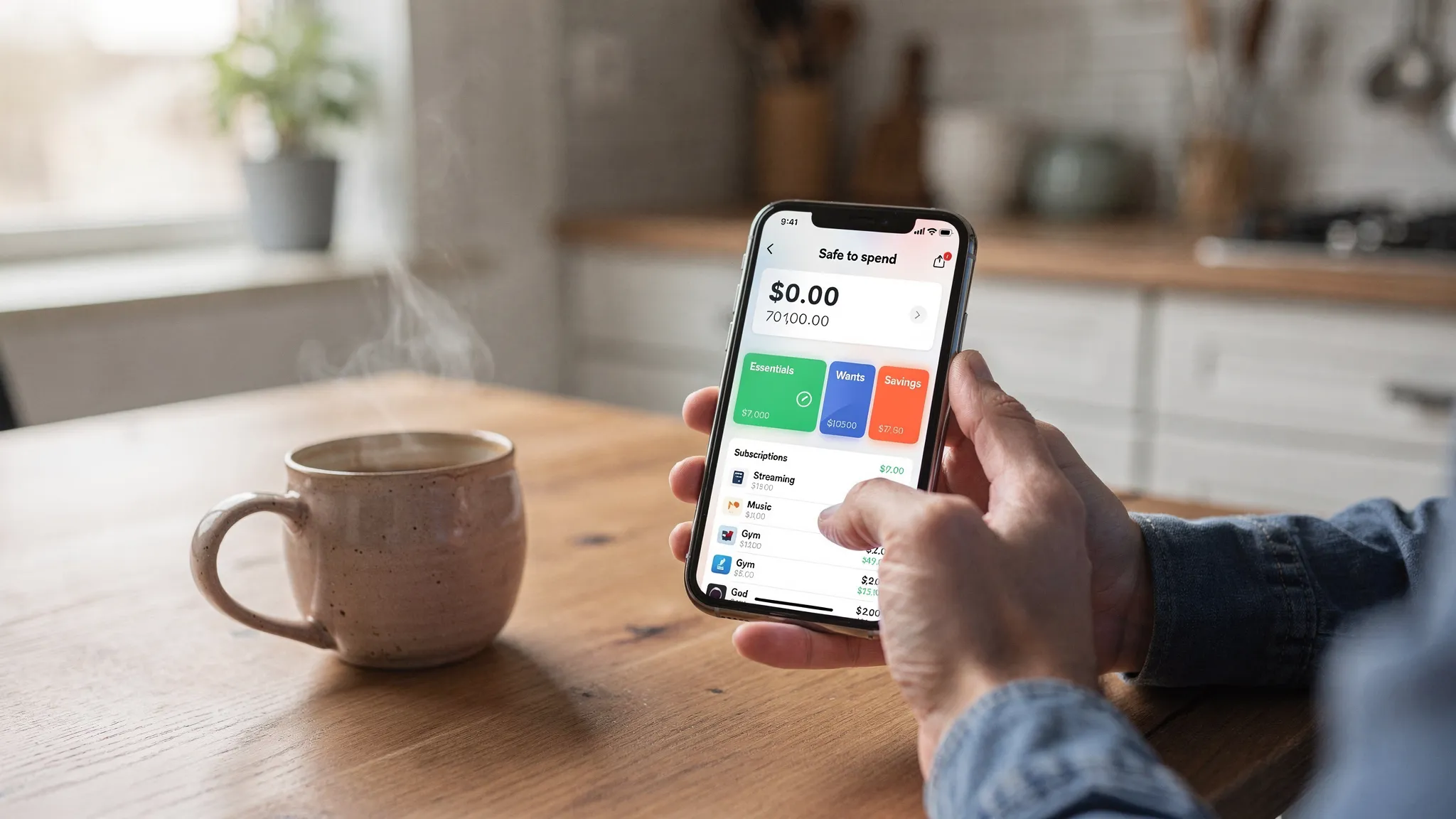
The control part nobody talks about: clean data beats willpower
Here’s why people love the idea of budgeting but hate the practice.
Budgeting tools often rely on willpower:
- “Remember to categorize!”
- “Don’t forget your annual bills!”
- “Be disciplined!”
That’s adorable. Also useless.
Control comes from clean, consistent data and a system that reduces decisions.
This is where modern apps win and legacy tools struggle. Former Mint users felt this acutely when they went hunting for alternatives, because “replacement” isn’t about copying Mint. It’s about fixing what made people quit in the first place.
If you want the broader Mint replacement landscape, FIYR’s guide is a good starting point: Mint alternatives compared.
A simple budgeting app should answer 4 questions instantly
If your app can’t answer these without you doing manual gymnastics, it’s not simple.
1) What did I spend this week (and on what)?
Not just “you spent $X.”
You need the breakdown that reveals behavior. Restaurants. Groceries. Shopping. Subscriptions.
This is where customizable categories matter. “Dining Out” is useful. “Food” as one blob is how budgets go to die.
2) What is safe to spend right now?
This is the most underrated feature in personal finance.
People don’t overspend because they’re evil. They overspend because they don’t have a single number to trust.
A safe-to-spend balance gives you permission and boundaries at the same time.
3) What is repeating that I forgot to cancel?
Subscriptions are silent assassins. A $12.99 charge doesn’t hurt once.
It hurts forever.
A good app surfaces recurring charges so you can decide if you still want them. (You probably don’t. Your “free trial” has a mortgage.)
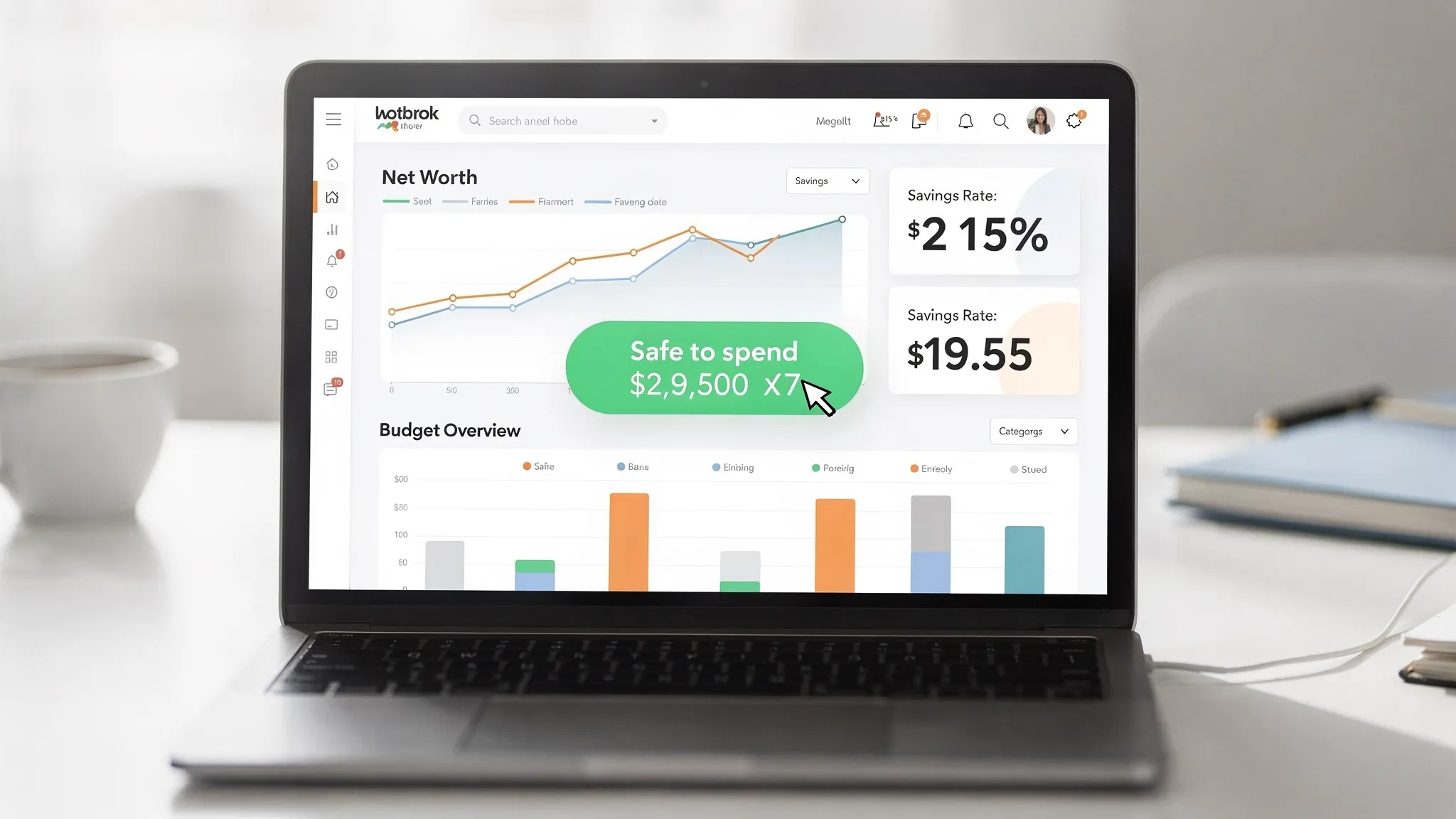
4) Is my net worth moving in the right direction?
Budgeting without net worth is like going to the gym and refusing to track strength, endurance, or literally anything.
Net worth gives context:
- If you are paying down debt, your net worth should rise
- If you are saving and investing, your net worth should rise
- If your net worth is flat, your spending is quietly eating your future
And if you are FIRE-minded, net worth plus savings rate is basically the dashboard of your life plan.
The scoreboard: 6 money metrics that keep it simple (and powerful)
If you track everything, you’ll track nothing. Here’s the tight set that does the job.
| Metric | What it tells you | Check it |
|---|---|---|
| Savings rate | How fast you’re buying future freedom | Weekly or monthly |
| Safe-to-spend | Whether today’s spending is actually safe | Weekly |
| Fixed cost ratio | How “locked in” your life is | Monthly |
| Subscription total | How much you pay for convenience you forgot about | Monthly |
| Net worth | The truth, the whole truth | Monthly |
| Category overages | Where your system is leaking | Weekly |
If you’re chasing FIRE, boosting savings rate is the closest thing to a cheat code. FIYR breaks down the math here: Boost your savings rate.
And yes, increasing savings rate can meaningfully change your timeline. Not by magic. By math.
Where “simple budgeting apps” go wrong (so you don’t)
A quick reality check. Most budgeting frustration comes from one of these traps.
Trap 1: Too many categories too soon
You do not need a separate category for “coffee with oat milk” and “coffee with regret.”
Start broad. Add detail only when you need leverage.
If a category doesn’t change decisions, it’s just decoration.
Trap 2: Ignoring non-monthly expenses
Annual renewals, car repairs, gifts, travel, back-to-school, holiday spending.
These are not emergencies. They are scheduled life.
The fix is boring and effective: sinking funds (or at least a holding category until you build them).
Trap 3: Manual work that kills momentum
If you are constantly re-categorizing the same merchants, the app isn’t helping, it’s cosplaying as helpful.
Rules-based automation is the difference between “I track my money” and “I used to track my money.”
Trap 4: No connection to goals
If your budget isn’t connected to a goal (emergency fund, debt payoff, FIRE date, house down payment), it becomes a scolding tool.
Goal-based budgeting turns trade-offs into choices, not guilt trips.
Where FIYR fits (without the cringey sales pitch)
If you’re leaving Mint behind, or comparing tools like Monarch Money, Copilot, Rocket Money, or Quicken, you’re probably looking for the same thing:
- A cleaner, modern interface
- Customization without chaos
- Tracking that goes beyond “pretty charts” into “actual control”
FIYR is built around that exact idea: a simple budgeting app that still gives you grown-up power.
It combines:
- Spending and income tracking
- Dynamic budgeting options
- Custom categories and category groups
- Automatic transaction rules (less manual cleanup)
- Subscription tracking (because yes, you are still paying for something you forgot)
- Net worth tracking (assets and liabilities)
- Savings rate tracking and FIRE-focused insights, including a FIRE date calculator
- Goal tracking with a safe-to-spend balance
The point is not to turn you into a finance influencer.
The point is to help you see what’s true, decide what matters, then automate the rest.
A quick “try this tomorrow” playbook
If you want the simplest path to momentum, do this in one sitting:
- Create the three budget bucket groups (Fixed, Flexible, Lifestyle)
- Add the “Stuff I Forgot to Budget For” category
- Set caps for only 3 categories this month (groceries, dining out, shopping)
- Turn on subscription tracking and review the list once
- Create 5 basic transaction rules for your top merchants
- Do a 10-minute weekly check-in, same day, same time
That’s it. That’s the whole starter system.
Budgets don’t need to be perfect. They need to be checked.
Frequently Asked Questions
What is a simple budgeting app, exactly? A simple budgeting app minimizes manual work (like constant categorizing) while still giving you enough control to make decisions. The best ones combine automation, customizable categories, subscription visibility, and a clear safe-to-spend number. Are free budgeting apps good enough? Sometimes, if your needs are basic and your accounts categorize cleanly. But many people outgrow free tools when they want customization, accurate rules, reliable subscription tracking, or a system that connects budgeting to net worth and long-term goals. How much time should budgeting take each week? If your system is set up well, budgeting can take 10 to 15 minutes per week plus a 30-minute monthly reset. If it takes longer, you probably need better automation and simpler categories. Do I need zero-based budgeting to have control? Not necessarily. Some people love zero-based. Others do better with flexible caps and a safe-to-spend approach. The best budget is the one you will maintain, not the one that wins theoretical arguments on Reddit. How do I stop forgetting subscriptions? Use an app that surfaces recurring charges, then schedule a monthly subscription review. Your money should not be running a sponsorship program for apps you no longer use. What if my income is irregular? You can still keep budgeting simple by focusing on a baseline (Fixed bills + essentials), building a buffer, and using rules and labels to track income swings. The key is designing a system that bends instead of pretending your cash flow is perfectly smooth. ---Want less work and more control? Start with a system you will actually use
If your “budget” currently lives in the same place as your abandoned Duolingo streak, you don’t need more motivation. You need less friction.
FIYR is designed to make budgeting feel lighter while giving you sharper control: spending tracking, customizable categories, automation rules, subscription tracking, net worth, savings rate, and FIRE-focused projections, all in one place.
If you want to stop guessing and start steering, explore FIYR on the blog here: Fiyr | Financial Independence and Early Retirement.