The Best Alternative to Copilot Money for Real Budgeting
Your budgeting app can be gorgeous and still be useless.
That’s not a hot take, it’s math.
When 60% of Americans are living paycheck to paycheck and 70% are stressed about money, the problem is not “people are bad at finance.” The problem is most systems are built to track, not to change behavior (CNBC).
So if you’re looking for the best alternative to Copilot Money for real budgeting, you’re probably past the phase of “I want a pretty dashboard.” You want a tool that tells you the truth, fast, and then helps you do something about it.
Meet the real goal: clarity that creates action. The rest is UI frosting.
The moment Copilot stops being enough (a very real story)
Meet Jordan. Smart, employed, has their life mostly together. Uses Copilot. Loves the vibe. The categories look clean. The charts sparkle.
Then Jordan gets hit with a classic modern-life combo:
- A surprise annual bill
- A “free trial” that became a paid subscription
- A weekend that somehow cost $430 and produced exactly two memories
Copilot didn’t fail Jordan. Jordan’s budgeting system failed Jordan.
Because real budgeting is not “did I label this transaction correctly?”
Real budgeting is:
- “Can I safely spend $60 tonight without stealing from next week’s groceries?”
- “Why did my savings rate drop 6 points?”
- “How many months until I’m financially independent if I keep living like this?”
The app you need next is the one that answers those questions without making you feel like you need a finance degree and a monk’s self-control.
What “real budgeting” means in 2026 (and why most apps dodge it)
Let’s define “real budgeting” like an adult.
Real budgeting has a decision signal, not just history
Most apps are amazing at telling you what already happened. Cool. So is your bank statement.
A real budget gives you a decision-ready number:
- Safe-to-spend (or whatever you call it)
- Remaining budget by category
- A weekly allowance that doesn’t collapse the moment life gets weird
If your tool can’t answer “What can I spend right now?” it’s not budgeting. It’s financial journaling.
Real budgeting survives chaos
A budgeting system that only works in perfect months is like an umbrella that only works indoors.
Real budgeting accounts for:
- Irregular bills (car repairs, annual fees, birthdays, taxes)
- Refunds and reimbursements
- Transfers that shouldn’t count as spending
- Credit card payments that shouldn’t double-count
Real budgeting connects today to FIRE
Even if you’re not wearing a Patagonia vest and whispering “index funds” at brunch, FIRE math is still useful.
Because it’s just this:
- Spending controls your freedom timeline
- Savings rate is the accelerator
- Net worth is the scoreboard
If your app can’t track those cleanly, you’re basically navigating with vibes.
Why people search for an alternative to Copilot Money
Copilot has earned fans for a reason. For many people it’s a sleek, modern way to see spending.
But lots of users eventually want more “system” and less “summary.” Here are the common friction points that push people to look for an alternative to Copilot Money (without dunking on anyone).
1) You want flexible budgets that bend, not snap
Real life doesn’t respect your “Dining Out: $300” line item.
Some months you cook at home like a minimalist influencer. Other months you discover DoorDash has a direct pipeline to your checking account.
You need budgets that can handle:
- Caps that adjust as income changes
- Buffer categories for messy spending
- A structure that doesn’t require daily babysitting
2) You want automation that actually reduces work
If you’re manually cleaning up transactions every week, your app isn’t a budgeting app.
It’s a part-time job with charts.
Automation that matters:
- Custom categories and category groups
- Transaction rules (so recurring merchants get categorized correctly)
- A “needs review” workflow for the weird stuff
3) You want money tracking that isn’t trapped in “spending only”
Spending is important. But it’s only one slice.
Most people are stressed because they don’t have a full view:
- Net worth (assets and liabilities)
- Debt and minimum payments
- Savings rate
- Subscriptions and recurring charges
That’s the difference between “I think I’m fine” and “I know what’s happening.”
The non-negotiables: what to demand from any Copilot alternative
If you’re switching tools, don’t switch for novelty. Switch for leverage.
Here’s a practical scorecard for “real budgeting” features.
| What you need | Why it matters | The litmus test question |
|---|---|---|
| Clean income + expense tracking | Garbage in, garbage forever | “Do I trust last month’s numbers?” |
| Custom categories + groups | Default categories hide behavior | “Can I separate ‘Amazon Needs’ from ‘Amazon Chaos’?” |
| Automatic transaction rules | Less manual work, more consistency | “Will this categorize correctly next month?” |
| Subscription tracking | Recurring spend is stealthy | “Can I see every recurring charge in one place?” |
| Net worth tracking | The real scoreboard | “Can I track assets and liabilities, not just spending?” |
| Savings rate calculation | The FIRE accelerator | “Did my savings rate improve, and why?” |
| Goal tracking + safe-to-spend | Decision support | “What can I spend today without regret?” |
| Data portability | Avoid being trapped | “Can I export my data if I leave?” |
If an app nails these, it’s not just a tracker. It’s a money operating system.
Why FIYR is a strong alternative to Copilot Money (especially for real budgeting)
FIYR is built for the phase you’re in now: the “I want control” phase.
Not control like “I will never buy coffee again.” Control like “I can spend on what I love and still hit my goals.”
Here’s where FIYR tends to shine for Copilot switchers.
A flexible budgeting system that doesn’t punish you for being human
FIYR supports budgeting that adapts, including dynamic budget options and a safe-to-spend balance.
That matters because most overspending isn’t a character flaw. It’s a visibility problem.
When you can see the real number, you stop negotiating with yourself at checkout.
Custom categories and transaction rules (aka the unsexy superpower)
If you’ve ever tried to understand your spending with generic categories like “Shopping,” you already know the pain.
FIYR lets you build custom categories + category groups and apply automatic transaction rules so your data stays clean.
This is how you go from:
- “I spend too much”
To:
- “I spend $312/month on convenience food during busy weeks, and it’s directly wrecking my savings rate.”
That’s a solvable problem.
Subscription tracking that catches the quiet leaks
Modern budgets don’t die from one big purchase.
They die from twelve $12.99s you forgot existed.
FIYR includes subscription tracking, which makes it easier to spot recurring charges and decide what stays, what goes, and what gets rotated.
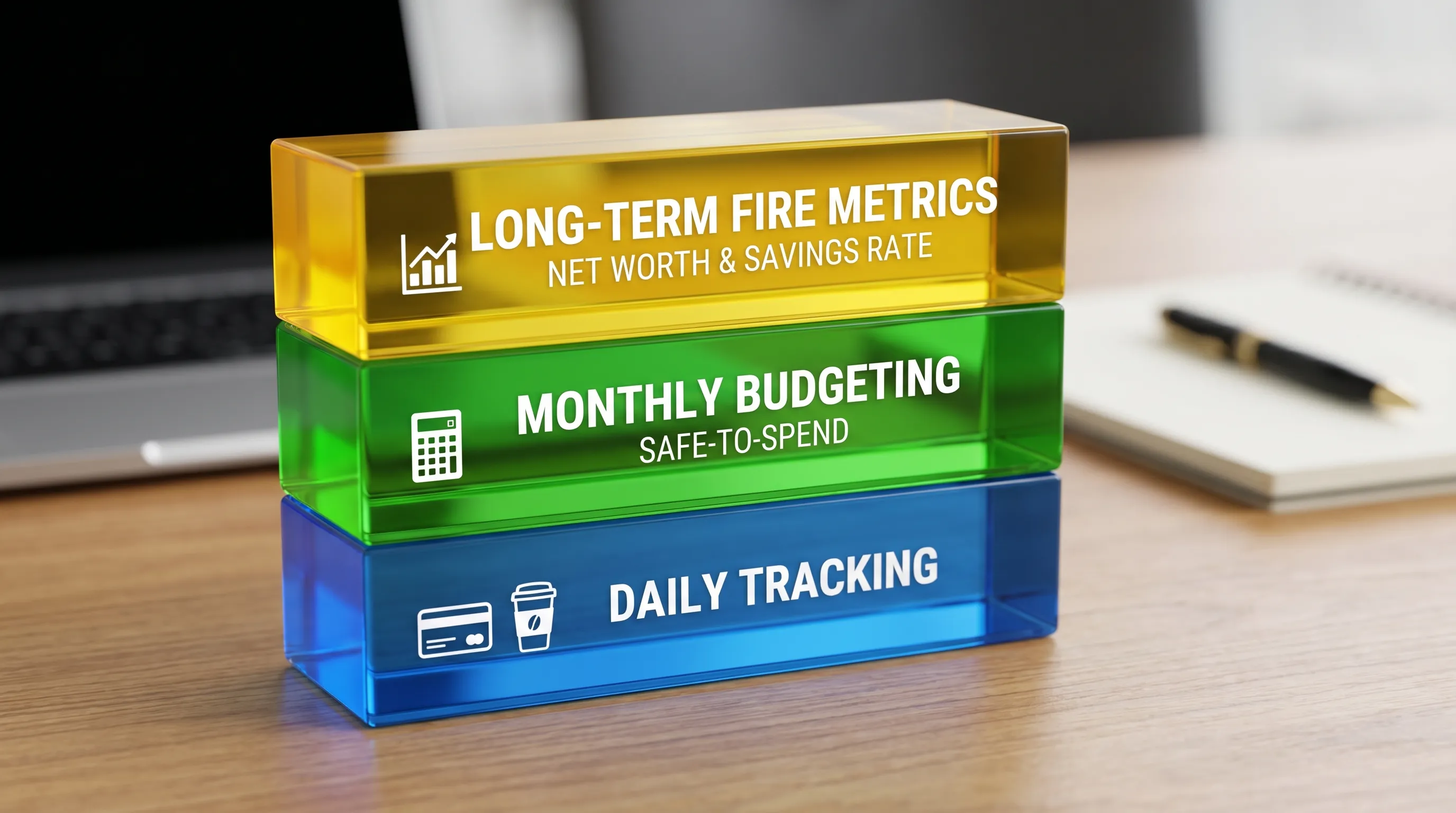
Net worth, savings rate, and FIRE projections in the same place
A lot of apps are either:
- Daily budgeting tools, or
- Long-term wealth tools
FIYR is designed to connect both.
You can track:
- Net worth (assets + liabilities)
- Savings rate
- A FIRE date calculator based on real user data
Because budgeting without long-term direction is just restriction cosplay.
A 45-minute test drive to pick the right tool (and avoid switching twice)
Here’s the part nobody talks about: switching apps doesn’t fix your money. Switching systems does.
So run this test drive before you fully commit.
Minute 0 to 10: Build a clean category skeleton
Create categories that support decisions, not aesthetics.
Keep it tight. Think 8 to 12 core categories, plus a few targeted ones.
Good examples:
- Groceries
- Dining Out
- Transportation
- Bills
- Subscriptions
- Travel
- Debt Payments (tracked properly)
- Savings/Investing
- True Expenses (annual fees, repairs, medical)
If you want one spicy category that changes everything, add:
- “Convenience Spending”
That category tells the truth like a lie detector.
Minute 10 to 25: Add rules for your top merchants
Pick 10 frequent merchants and automate them.
This is where budgeting becomes low-friction.
Examples of rules you’ll actually use:
- Always categorize your gym as Fitness
- Always categorize your phone bill as Utilities
- Tag all childcare as Childcare
- Label all travel-related spending with a trip label (for one clean total)
Minute 25 to 35: Turn one messy goal into a trackable plan
Pick one goal:
- Pay off a credit card
- Build a $5,000 emergency fund
- Save for a trip
Then add tracking around it.
If your tool can’t make a goal feel concrete, it’s not a budgeting system. It’s a spreadsheet with delusions of grandeur.
Minute 35 to 45: Check the “truth signals”
Your tool should make these painfully obvious:
- What changed this month?
- What categories are off track?
- What subscriptions are recurring?
- What’s my safe-to-spend?
- What’s my savings rate?
If you can’t answer those in under 60 seconds, the app is driving. You’re just in the passenger seat.
The cultural problem: spending got frictionless, so budgeting has to get smarter
Tap-to-pay. One-click checkout. Buy now, pay later. Subscriptions for socks. AI recommending products you didn’t know existed, which is somehow worse.
No wonder people feel broke while earning more.
And the data backs up the stress. According to the same CNBC reporting, 61% of Americans are in credit card debt, owing an average of $5,875 (CNBC).
So if you’re choosing an alternative to Copilot Money, don’t just choose a nicer interface.
Choose an app that can fight modern spending design with modern budgeting design.
Side note: if you’ve ever wondered why some apps feel “effortless” and others feel like a group project, it often comes down to product craftsmanship. Teams that build apps end-to-end (product strategy, UX, engineering, launch) obsess over those friction points. If you’re curious what that looks like behind the scenes, check out this premium mobile app development agency that showcases how serious teams ship polished apps at scale.
Who FIYR tends to be best for (real-life versions)
If you’re FIRE-curious (or FIRE-serious)
You’ll care about savings rate, net worth, and how today’s spending affects your timeline. FIYR is built to keep those metrics visible, not buried.
If you want customization without turning your budget into a science project
Custom categories, category groups, labels, rules, and clean charts, without needing to maintain a 14-tab spreadsheet that hates you.
If subscriptions are eating your future
Subscription tracking plus budgets and rules makes recurring spend harder to ignore and easier to control.
If your income is irregular
A budget that assumes perfect monthly income is basically financial fiction. FIYR is designed for flexible tracking and planning, so freelancers and variable earners can keep things predictable.
Frequently Asked Questions
What is the best alternative to Copilot Money for real budgeting? If you want real budgeting (safe-to-spend, automation, custom categories, subscription visibility, net worth, and savings rate), look for a tool built for systems, not just summaries. FIYR is a strong option for that style.
What should I look for in a Copilot Money alternative? Prioritize clean transaction tracking, custom categories, automatic rules, subscription tracking, net worth tracking, and a clear decision signal like safe-to-spend. Bonus points for savings rate and FIRE projections.
Is switching budgeting apps enough to fix overspending? Usually not. Switching apps helps only if you also switch to a repeatable system: cleaner categories, automation rules, weekly reviews, and goals tied to spending decisions.
How do I test a budgeting app quickly before committing? Run a 45-minute test drive: set up a small category skeleton, automate your top merchants with rules, add one goal, then check if you can answer the five truth questions (safe-to-spend, subscriptions, savings rate, off-track categories, what changed).
Want a budgeting app that tells the truth and helps you act on it?
If you’re graduating from “pretty tracking” to real budgeting, start by building a system that survives messy months.
FIYR is designed for exactly that: flexible budgets, automation rules, custom categories, subscription tracking, net worth tracking, savings rate, and FIRE-focused insights.
If you want a clean starting point, use this as your next step: FIYR Budgeting Tutorial: Your First Week Setup, Step by Step.
Your money doesn’t need more motivation. It needs a better operating system.