 FIYR
FIYR Best Income Tracker for W2 Employees: What to Look For
Most W‑2 workers think a steady paycheck should make budgeting easy. Then the third paycheck month shows up, the bonus lands, a random reimbursement hits your checking account, and your budget starts acting like a crypto chart. The truth, for salaried folks especially, is that your income is predictable, your system is not.
Here is the uncomfortable stat to set the stage. According to CNBC, about 60 percent of Americans still live paycheck to paycheck, 61 percent carry credit card debt, and fewer than half have an emergency fund. Translation, regular pay does not equal financial calm. It equals a predictable stream that needs a better catcher.
Meet Jordan, your W‑2 stand‑in
Jordan is paid every two weeks. Net paycheck, 2,300 dollars. Benefits eat 600 dollars before that money ever touches checking, 401(k), health insurance, HSA. In March, Jordan gets three paychecks, feels rich, then wonders why April feels like a financial hangover. The budget, built on tidy calendar months, never accounted for the third paycheck swing, the annual bonus, or the occasional expense reimbursement that shows up as income and quietly distorts the whole picture.
Here is the part nobody talks about. W‑2 income is not just a line that says Wages. It is base pay, overtime, bonuses, taxes withheld, pretax deductions, employer matches, and reimbursements. If your tracker cannot tell those apart, it cannot tell you the truth.
The job to be done, for W‑2 income tracking
The best income tracker for W‑2 employees has to do three things flawlessly.
- Categorize correctly, gross versus net, wages versus reimbursements, taxes versus benefits, so you know where every dollar actually went.
- Recognize recurring income patterns, biweekly or semimonthly, and handle third paycheck months without breaking your monthly budget.
- Integrate cleanly with your financial life, reliable bank connections, CSV fallbacks, and simple rules that survive weird payroll memos.
Get those three right and your budget stops lying. Your savings rate becomes a math problem, not a mood.
Spreadsheet vs app vs hybrid, which catcher fits your paycheck
You do not need a shrine to Excel or a subscription to a black‑box app. You need the right trade‑offs. Here is the real talk comparison.
| Approach | Setup time | Automation | Categorization control | Third paycheck handling | Best for |
|---|---|---|---|---|---|
| Spreadsheet | Medium to high | Manual unless you use a bank feed | Total control, you design the schema | Excellent, if you model pay periods | Builders who love transparency and custom logic |
| App | Low | High, auto import and rules | Good, depends on rules and editability | Good to great, if budgets can flex by paycheck count | Busy users who want fast, consistent tracking |
| Hybrid | Medium | Medium to high | Strong, app feeds the sheet you control | Excellent, app sync plus custom paycheck calendar | People who want automation and a custom paycheck model |
Quotable: Your budget is not failing, your data model is.
W‑2 pain points most trackers miss
- Net pay lies by omission, pretax 401(k), HSA, FSA, and insurance never hit checking, so the cash view hides a big chunk of your real savings and costs.
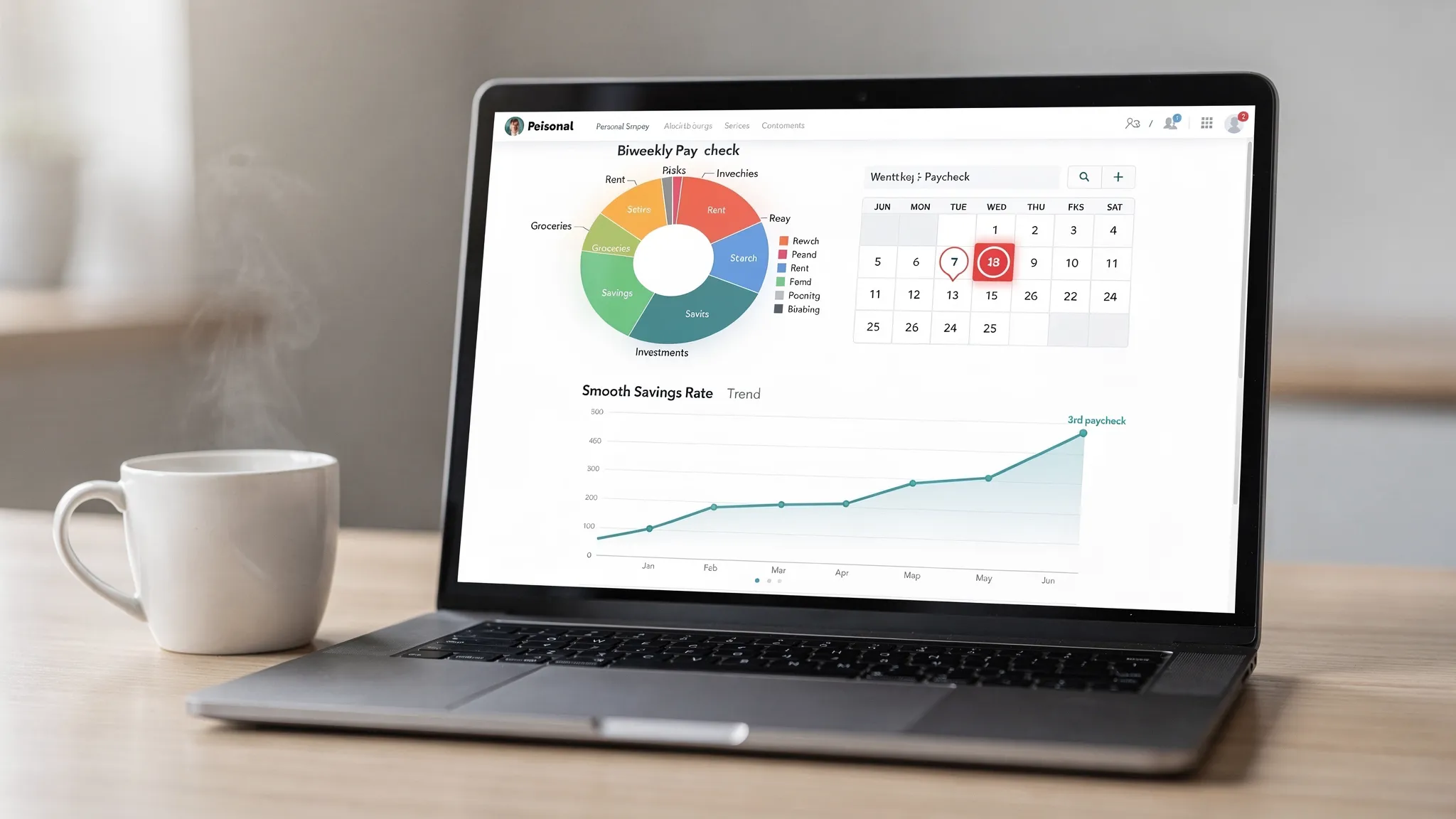
- Third paycheck months, biweekly workers get two extra paychecks each year, your monthly budget needs to flex or the surplus disappears into Uber Eats.
- Bonuses and overtime, irregular inflows that need a plan before they arrive or they turn into more streaming services and nicer takeout.
- Reimbursements, employer paybacks for travel or equipment often import as income, if you do not offset them, your spending and savings rate are inflated fiction.
- Withholding changes, a W‑4 tweak shifts your net overnight, if your system cannot reconcile expected versus actual, you will chase ghosts.
What to look for in a W‑2 income tracker
1) Categorization that keeps budgets honest
- Separate categories for Base Wages, Overtime, Bonus, and Reimbursements.
- Split taxes and deductions, Federal tax, State tax, Social Security, Medicare, Health insurance, 401(k) employee contribution, HSA or FSA. You do not need every subcategory, but you need the big buckets.
- Rule based mapping, if the memo says Company Payroll or ADP, map to Wages, if it contains Reimbursement, map to Reimbursement and auto offset the expense category.
- Refund and transfer hygiene, credit card payments and bank transfers should never be income, make sure the app lets you mark transfers so they do not pollute reports. For a deeper dive on keeping categories clean, see Error Proof Budgeting on the FIYR blog.
What great looks like, a clean income report that shows your take home, plus how much went to taxes and benefits before cash hit your account.
2) Recurring income awareness
- Pay schedule support, biweekly, semimonthly, monthly, and a way to label third paycheck months.
- Expected versus actual income, the tool should let you plan expected paychecks for the month, then compare to what arrived.
- Category caps or paycheck budgets, when there are three paychecks, the plan should flex. Fixed monthly budgets with no rollover often lie to you.
3) Integration that does not break on payday
- Reliable bank connections with manual override, nothing is perfect, so your tracker needs easy manual edits and the ability to merge duplicates.
- CSV import and export, when the aggregator hiccups or you want to bring in historical pay, the spreadsheet lifeline saves you.
- Simple rule engine, editable rules with keywords from the transaction memo keep income categorization consistent.
If the tool cannot pass those three gates, it is not the best income tracker for W‑2 employees. It is a stress machine with graphs.
The Paycheck Playbook, a simple system you can run in any tool
Use this once, then set it on autopilot. This is the part you will wish someone told you five years ago.
Step 1, decode one pay stub
Open your latest pay stub. List the following lines in your tracker, or in a helper sheet.
- Gross pay
- Taxes withheld, federal, state, Social Security, Medicare
- Pretax deductions, 401(k) employee, HSA or FSA, insurance premiums
- Post tax deductions, if any
- Net pay deposited
This is your money map. You cannot manage what you cannot see.
Step 2, build an income schema
Create categories for Base Wages, Overtime, Bonus, Reimbursement. Create deduction buckets for Taxes and Pretax Benefits. You do not need to track every penny of taxes long term, but you do need the split between take home and not.
Step 3, write three rules
- If transaction memo contains payroll processor or employer name, categorize as Base Wages.
- If memo contains reimbursement terms, categorize as Reimbursement and add a note, then tag the original expense.
- If memo contains bonus keywords, categorize as Bonus and apply your bonus split plan.
Step 4, run a paycheck budget, not a calendar budget
Plan by paycheck. Fixed bills get paid first, goals next, flex spending last. On third paycheck months, route the extra paycheck to goals before you see it. You can use the two account trick, one account for bills, one account for spending, and direct deposit straight into both with the right percentages.
Step 5, set a bonus split before the money arrives
Pick a rule you can stick to. For example, 50 percent to long term goals, 30 percent to short term goals, 20 percent to fun. The percentages are less important than setting them in writing.
Step 6, reconcile expected versus actual on payday
Every payday, take five minutes. Confirm the paycheck amount, check off the bills paid, move the goal transfer, and verify the flex balance. That five minutes saves you from two weeks of financial drift.
Step 7, calculate savings rate monthly
Savings rate is the engine behind FIRE. Track how much you saved, including pretax savings, divided by your total income. Watch that number like your career depends on it. Because your timeline to financial independence does. If you want a refresher on why this matters, see Boost Your Savings Rate on the FIYR blog.
A quick case study, Jordan gets a raise without a raise
Jordan ran the Playbook. Two things popped immediately. First, an HSA contribution of 150 dollars per paycheck was saving taxes and quietly building wealth. It never showed in the monthly cash view, so it never got credit in the budget. Second, reimbursements for work travel were inflating income and spending. Once those were netted out, the real savings rate was 7 percentage points lower than the old tracker said. Painful, then empowering. The fix, a rule to offset reimbursements and a plan to redirect the third paycheck to the emergency fund. Ninety days later, Jordan’s savings rate was up 10 points without a base salary change. That is the power of clean income tracking.
How FIYR fits, if you want modern, flexible, FIRE‑friendly
FIYR was built for people who want more than a pretty budget. It tracks income and expenses with custom categories, automatic rules, and clean labels, so W‑2 paychecks, bonuses, and reimbursements stay honest. Dynamic budgeting with category caps and a safe to spend balance makes third paycheck months a feature instead of a chaos event. You also get savings rate tracking and FIRE projections that make those paycheck decisions feel consequential, not just neat. If you are coming from Mint or a legacy tool, FIYR is a simple, customizable alternative that pairs well with a paycheck budget. You can learn more about clean categorization in Error Proof Budgeting and see the bigger picture in our Best Mint Replacement guide.
Subtle point, the best tool is the one you will use every payday. FIYR just happens to make the right habits easier.
Feature scorecard you can take to any tool
| Criterion | What great looks like | Why it matters |
|---|---|---|
| Categorization | Separate wages, bonuses, reimbursements, and deductions, with editable rules | Your reports reflect reality, not importer guesses |
| Recurring income | Supports biweekly or semimonthly pay, shows expected versus actual, labels third paycheck months | Budgets flex with your pay cycle so surplus becomes savings |
| Integration | Stable bank connections, manual edits, dedupe, CSV import and export | Your data does not crumble when a connection fails |
| Paycheck planning | Paycheck based budgets, category caps, safe to spend | Every payday you know bills are covered and what is truly flexible |
| Reimbursement handling | Easy offsets between income and the original expense | Stops fake income from inflating savings |
| Reporting | Income breakdown that shows net, taxes, and benefits | You can explain where your paycheck actually went |
Quotable, If your tracker cannot explain your paycheck, it cannot explain your life.
Spreadsheet tweaks if you are sheet first
- Build a Pay Period calendar, list every payday for the next 12 months, mark third paycheck months.
- Use a simple income table, columns for Date, Source, Type, Gross, Taxes, Pretax, Net, Notes. Roll up by pay period, not just month.
- Add a bonus row type with your split percentages baked in, so you allocate before you celebrate.
Pair that with a lightweight app for automated imports and mobile check ins, that is your hybrid.
App configuration if you are automation first
- Rename categories to match your pay stub, not your bank’s guesses.
- Create a Paycheck label you can apply to salary deposits and run reports by label for clean analysis.
- Add rules for reimbursement keywords and common payroll memos.
- Turn on rollover or adjust budgets in months with three paychecks, or route the extra paycheck directly to goals on payday.
Quick start checklist, 30 minutes to a calmer paycheck
- Pull your latest pay stub, list gross, taxes, pretax, and net.
- Create or clean up income categories, wages, bonus, reimbursement.
- Write three rules, payroll, bonus, reimbursement.
- Mark your pay schedule on a calendar and circle third paycheck months.
- Pick a bonus split and write it down.
- Set payday reminders, five minute reconcile.
- Track savings rate monthly and aim to move it up one notch each quarter.
The bottom line
W‑2 income is steady, your plan should be too. Choose a tracker that categorizes like a forensic accountant, handles recurring pay without drama, and speaks fluently to your bank. Do that and third paycheck months stop disappearing into lifestyle creep, they start pulling your FIRE date closer. Your budget should not panic when HR runs payroll. Make it boring, then make it automatic.
Sources, CNBC on paycheck to paycheck and debt trends.